Instagram Edits App
Master Instagram Reel Editing & Go Viral in 20 Days
Official Instagram video editing app – Free, powerful and built for creators who post Reels, YouTube Shorts and Facebook vertical videos.
No Laptop - No Heavy Software
What is Instagram Edits App?
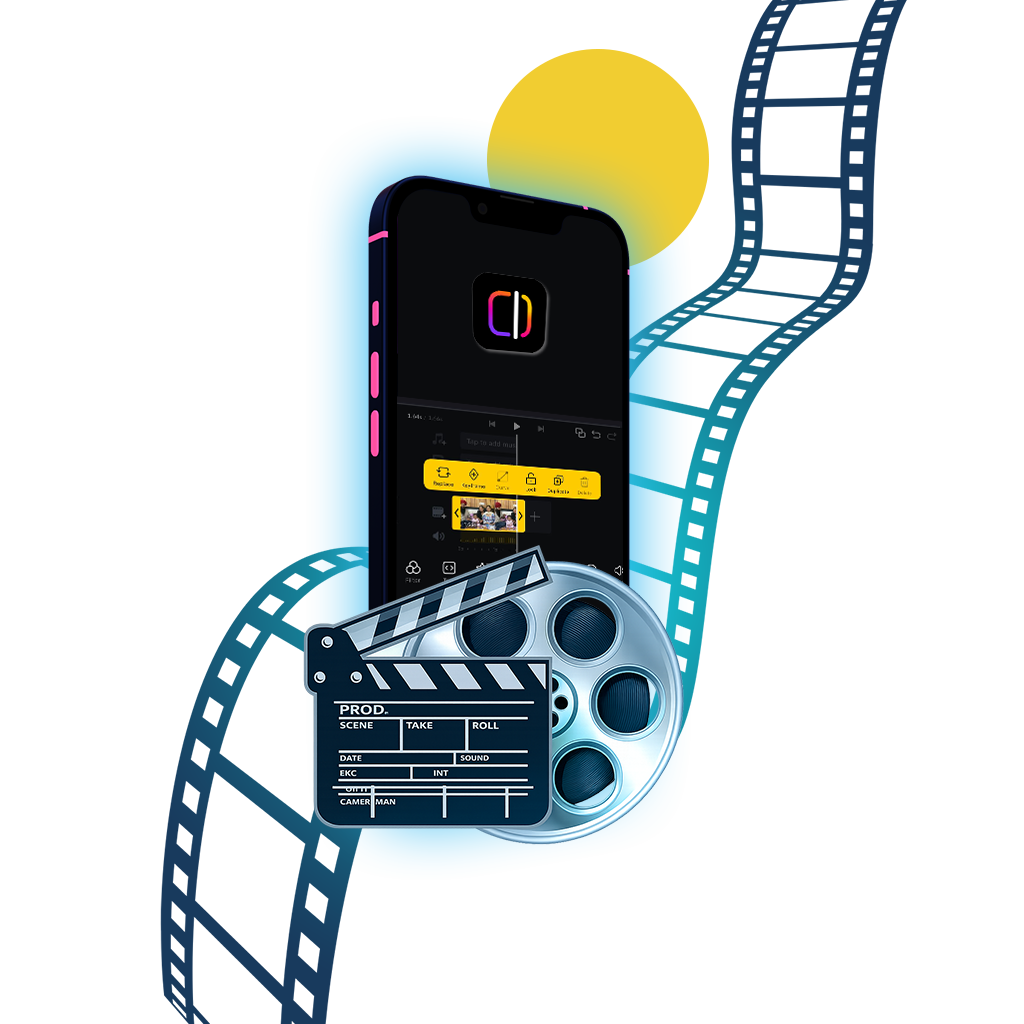
Edits is Instagram’s official video editing app designed for creators who regularly publish
Reels, YouTube Shorts and Facebook vertical videos.
Unlike third-party apps, Edits gives you free 4K export, direct Instagram audio access,
built-in camera, green screen, captions, effects and creator insights — all inside one app.
Program Duration
20 Days
Course Fee
Rs. 1,500/ 20 Days
Class Mode
Online/Offline
Eligibility
Anyone can join
Scholarships
Only for Offline Students
NRI Fee
USD 75/ 20 Days
Key Features
Free 4K Export
Export videos in 2K or 4K without watermark or paid plans.
Timeline Editing
Split, trim, duplicate clips with an easy-to-use timeline.
Filters & Adjustments
Cinematic filters, brightness, contrast, highlights, vignette & sharpness.
Green Screen & Cutout
Create reaction videos and remove backgrounds automatically.
Audio & Voice Over
Use trending Instagram audio, extract audio or record voice-overs.
Creator Insights
Track watch time, skip rate, saves, shares and traffic sources.
Complete Editing Workflow
From raw clips to viral-ready video — step by step
Start a Project
Create a new project or import clips directly from your gallery.
Edit Your Clips
Split, trim, adjust speed and control audio with timeline tools.
Enhance the Look
Apply filters or fine-tune brightness, contrast and colors.
Add Text & Audio
Insert captions, overlays, sound effects and trending audio.
Green Screen / Cutout
Create reaction videos using green screen or background removal.
Export & Publish
Export in 2K or 4K and share directly to Instagram or Facebook.
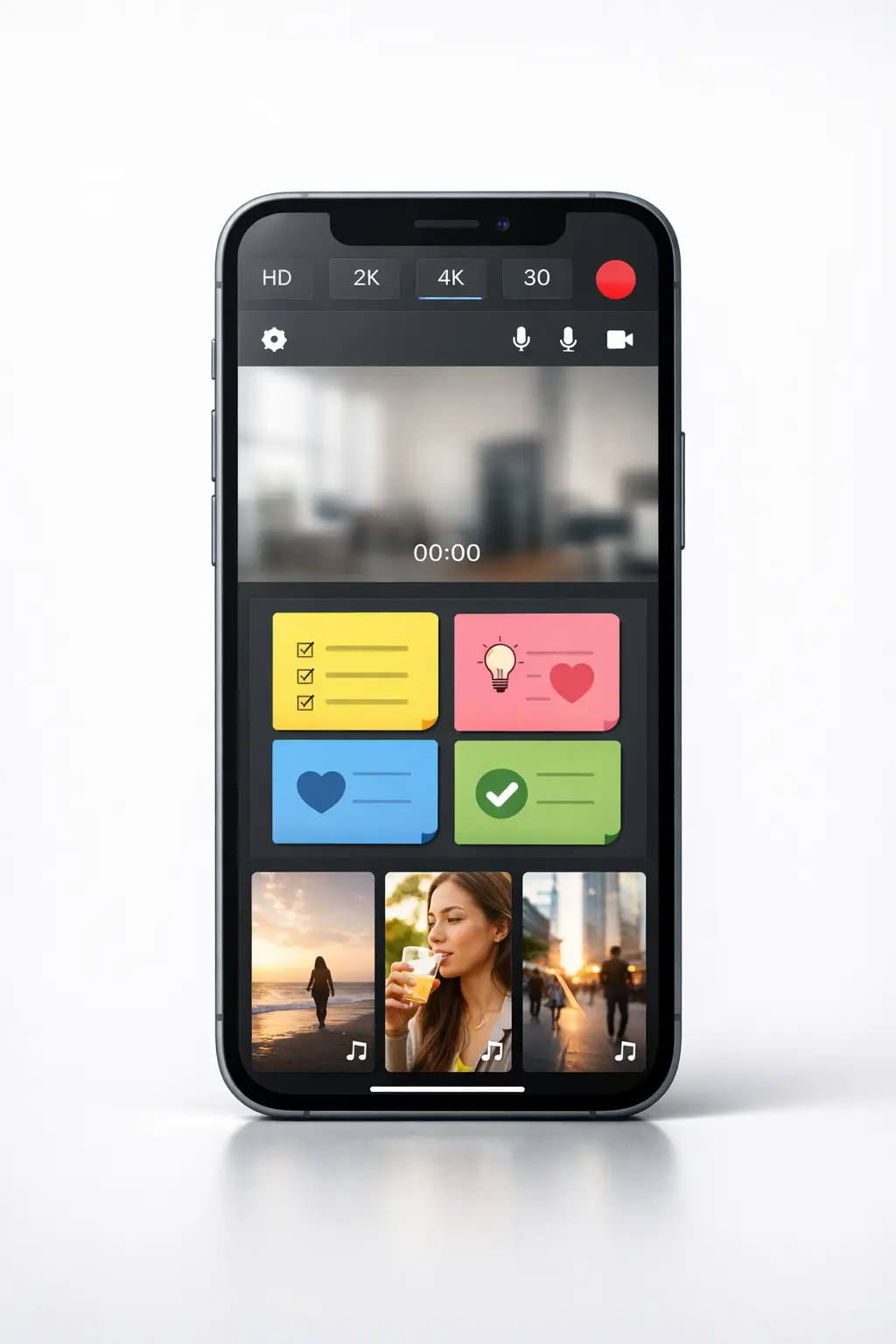
Built-in Camera, Ideas & Inspiration
Everything you need to plan, record and grow — inside one powerful app
Professional Camera
Record in HD, 2K or 4K with FPS control, lens switching and front/rear camera support.
Ideas Board
Plan content using built-in idea notes and topic boards so you never run out of ideas.
Inspiration Feed
Explore trending reels and reuse viral audio instantly to create content that performs better.
Who Should Use This App?
If you create content, this is built for you
Instagram Reel Creators
Create high-quality reels faster with built-in tools.
YouTube Shorts Creators
Edit vertical videos optimized for Shorts growth.
Facebook Video Publishers
Publish engaging vertical videos directly from mobile.
Business Owners & Freelancers
Create promo videos without agencies or editors.
Mobile-First Creators
Fast, professional edits without a laptop.
FAQ – Reel Editing Course (Instagram Edits App)
Clear answers before you enroll
Student Projects
Real videos created by our students